
MCP automation

Connect Claude and Cursor to Google Flow.

AutoNano MCP lets AI clients request image, video, edit, and upload work while your extension executes inside your own Flow session. See exactly how the request travels below.

Claude workspace

MCP ready
Claude UI image slot
Product ad creative preview in the AutoNano MCP hero

MCP client

Claude or Cursor

AutoNano

MCP endpoint

Relay

WebSocket

Your session

Google Flow

How it actually works

Claude asks. AutoNano relays. Google Flow executes.

AutoNano is the bridge between an MCP client and the Google Flow tab you already have open. It never generates media on its own servers.

01

You ask Claude or Cursor

Describe the image, video, edit, or upload task in plain language inside a connected MCP client.

Nothing to configure per request. The tool call carries your prompt, model, and settings.

02

AutoNano MCP server receives it

The server exposes a Streamable HTTP endpoint and maps the call to generate_image, generate_video, edit_image, or upload_media.

Runs on api.autonano.art with one endpoint per signed-in account, keyed to your MCP key.

03

Your Chrome extension executes it

The server dispatches the task over a WebSocket relay to the AutoNano extension you signed into.

Only your own signed-in extension receives your tasks, with one active connection per account.

04

Google Flow runs the job

The extension performs the request inside your open Flow project tab, using your session, credits, and quota.

Results are sent back through the same relay to the MCP client that asked for them.

The finished image, video, or edit travels back the same path: extension to server to your MCP client.

Use MCP when the idea needs Flow to actually run.

Keep the thinking inside your AI assistant, then hand the media work to your own Google Flow session.

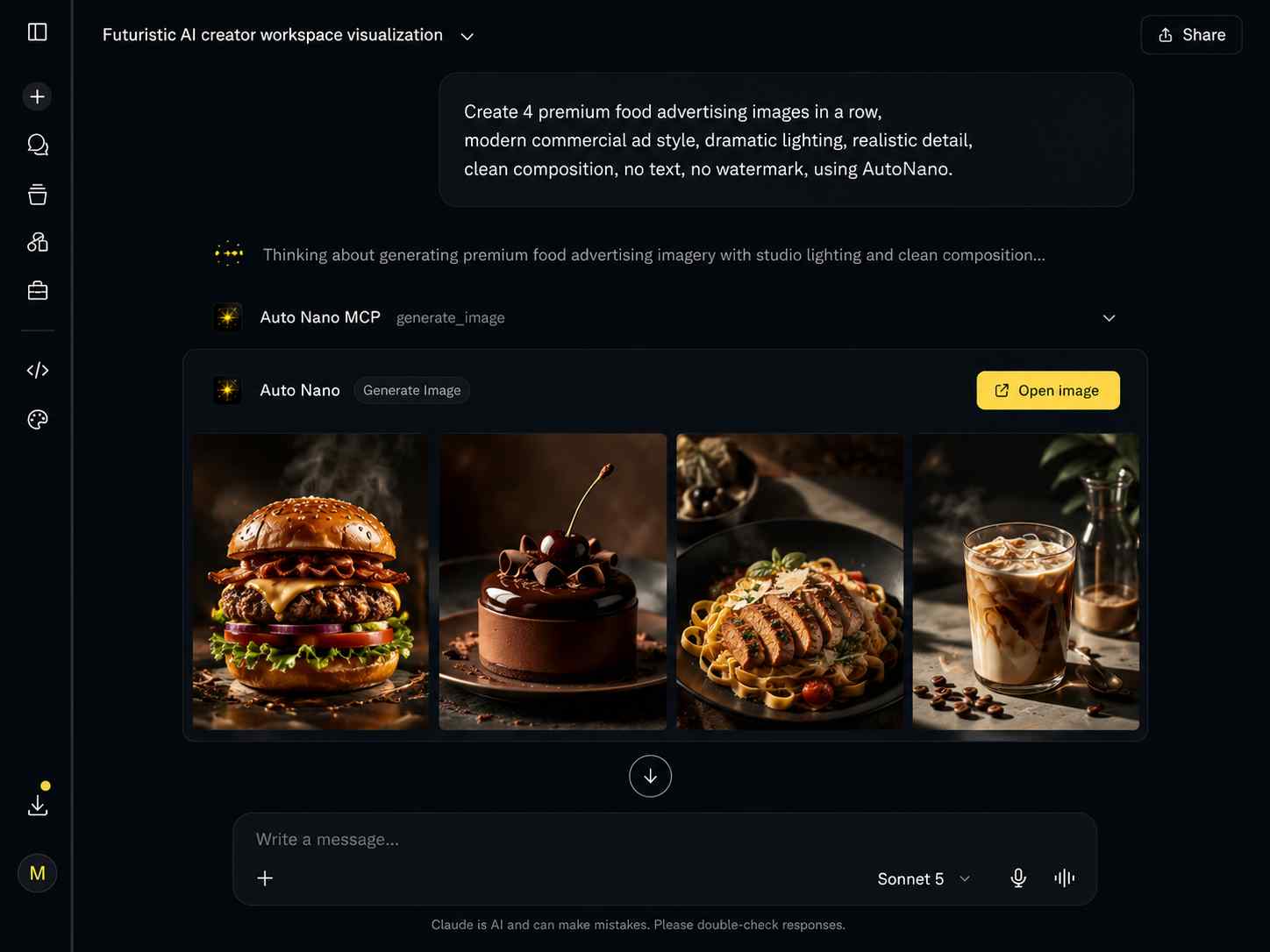
Shopping-ready product advertising visuals generated with AutoNano MCP
Commerce visuals

Create shopping-ready product ads faster

Turn simple product ideas into polished campaign visuals for ecommerce, social posts, menus, launch pages, and online stores.

generate_image

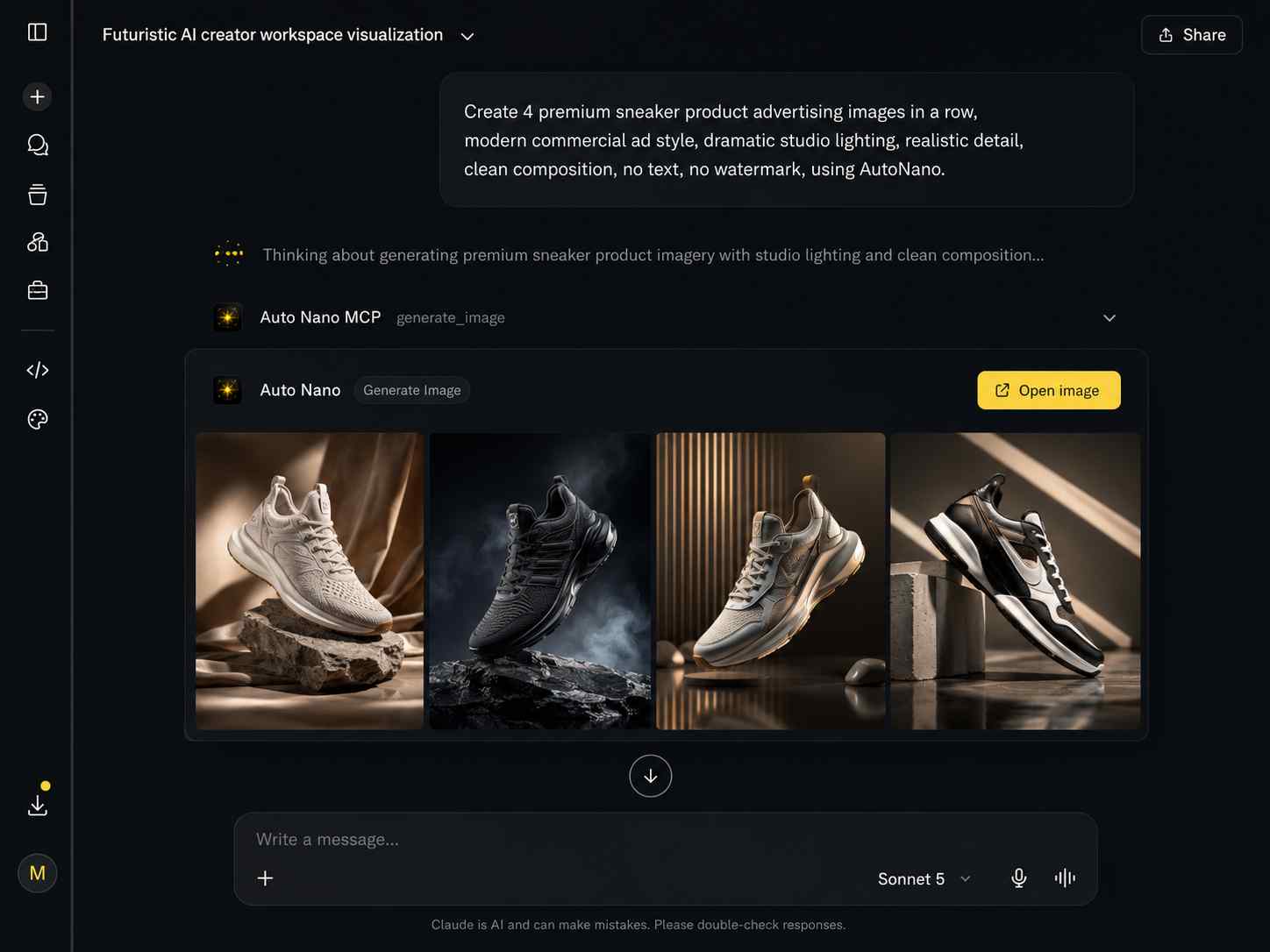
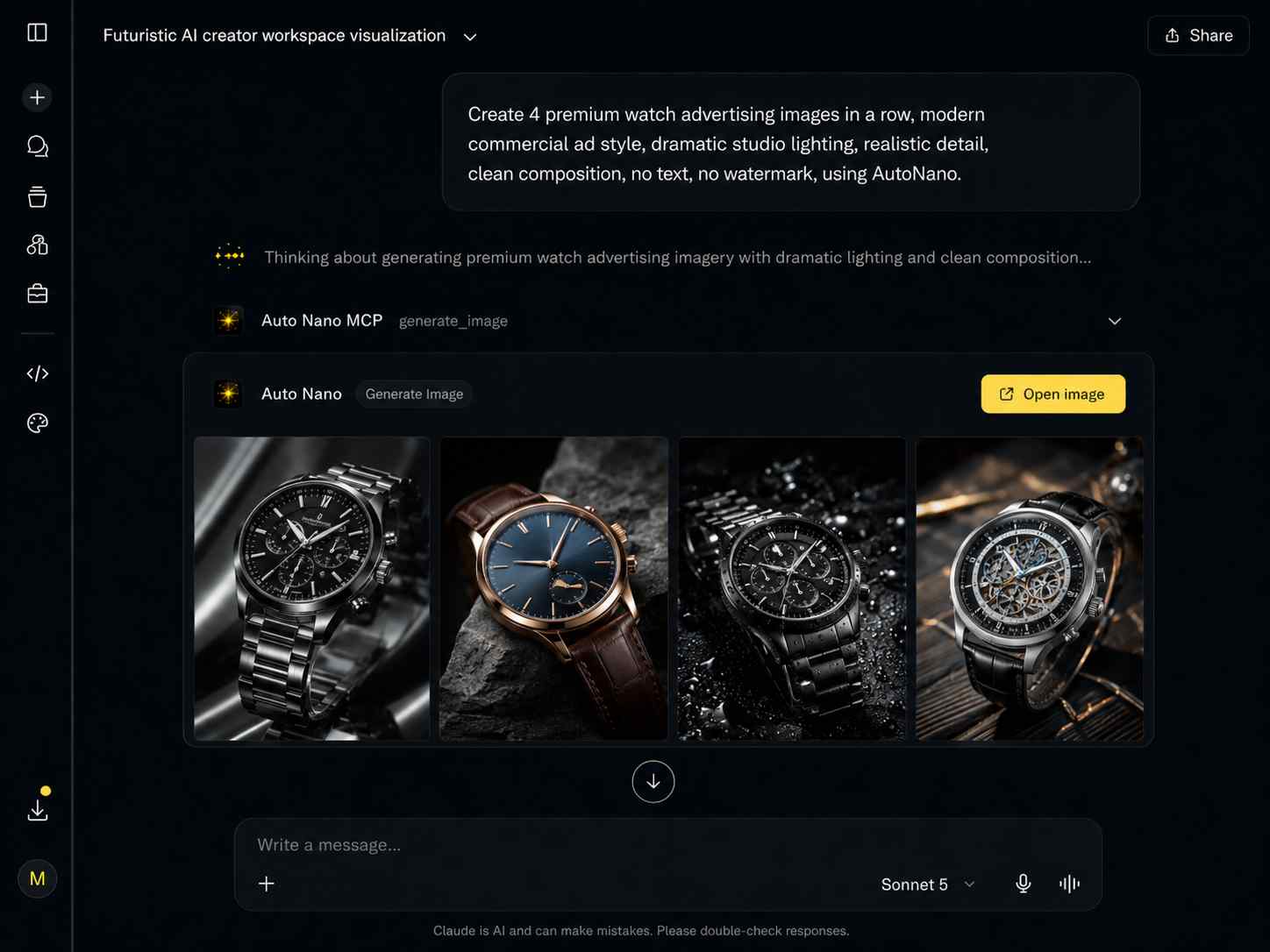
Premium product advertising scene preview in AutoNano MCP
Premium campaigns

Build luxury product scenes with AI

Generate refined product showcase concepts with better lighting, mood, composition, and visual variety for high-end campaigns.

edit_image

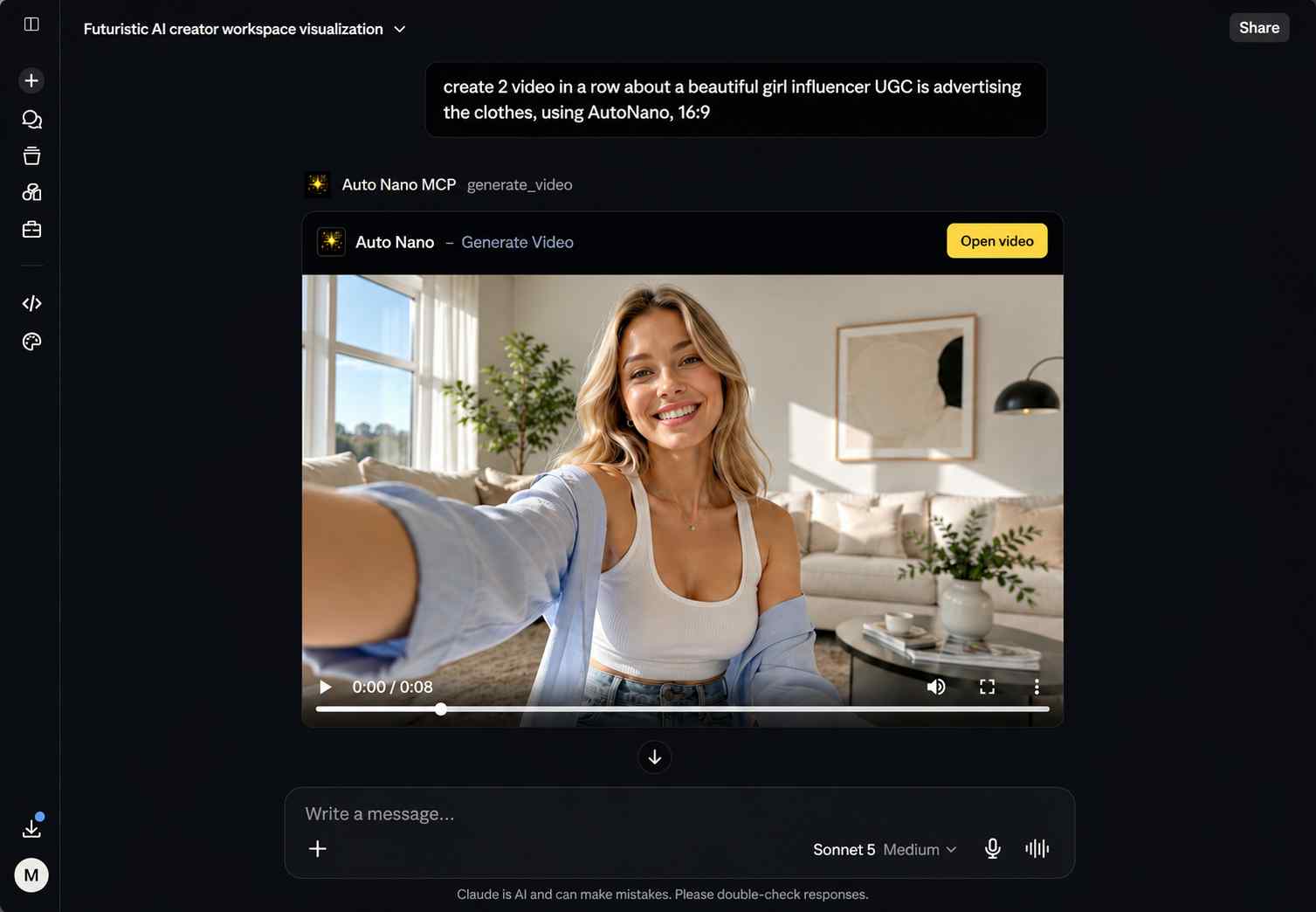
UGC product video advertising preview generated with AutoNano MCP
UGC video flow

Scale product video concepts in batches

Create multiple short UGC-style product video directions with consistent character framing, campaign angles, and ad-ready output flow.

generate_video

Setup

Connect with copy-ready MCP config

Pick Claude Desktop/Web, Claude Code, or Cursor. Copy the exact format, replace the key with your live AutoNano MCP key, then verify the connection.

Claude Desktop/Web

Copy the setup format.

Works for Claude Web and Claude Desktop as a Custom Connector.

  1. 01

    Go to claude.ai -> Customize -> Connectors

  2. 02

    Press + Add custom connector

  3. 03

    Paste the connector name and MCP URL below

Name

AutoNano MCP

URL

https://api.autonano.art/mcp?key=YOUR_MCP_KEY

After saving, your MCP client should show AutoNano as connected. Keep your Google Flow project tab open before sending image, video, edit, or upload requests.

MCP tools

Creative tools your assistant can call.

generate_image

Prompt, model, aspect ratio, 1-4 images.

generate_video

Text or guided video requests through Flow.

edit_image

Source file, instruction, optional references.

upload_media

Upload local images for edit workflows.

Your account

Generation uses your Google Flow session, project, credits, and quota.

Extension relay

The server dispatches tasks to your connected Chrome extension.

Local activity

The side panel shows recent MCP activity and output previews.

Claude | Claude Code | Cursor

Let your AI assistant operate Google Flow through AutoNano.

Install AutoNano, keep Flow open, and connect Claude or Cursor through MCP.

Add to Chrome - It's Free

Uses your Flow access, credits, and quota.